Searching for a rare or hard to find part?
Here are 5 practical, proven tips for finding rare, hard-to-find, or NLA (No Longer Available) car parts on marketplaces like eBay, OfferUp, and Facebook Marketplace. Finding obsolete or discontinued parts can be tough, but it’s not impossible!
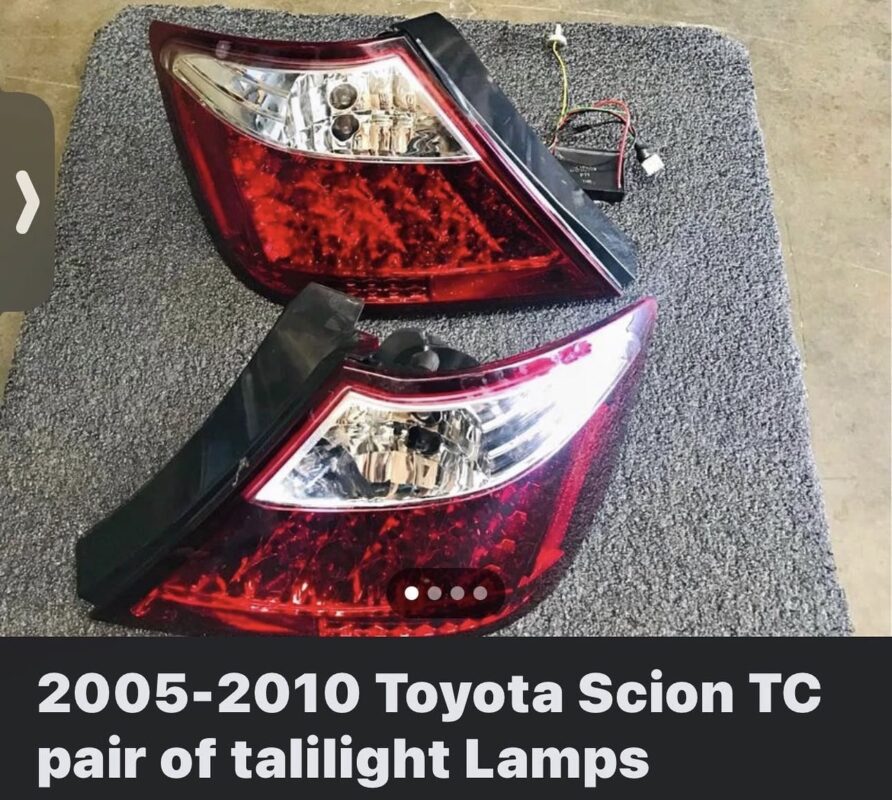
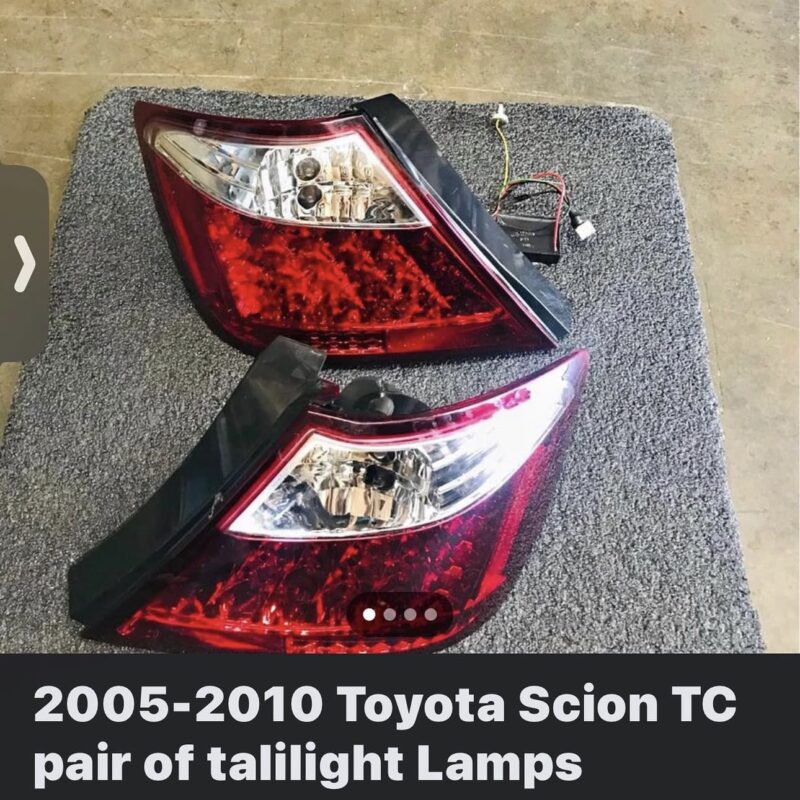
EXAMPLE – Spotted RARE Red Variant Spec D tail lights
You can see here the seller had no indication that he was selling “Spec D” tail lights. I grabbed them!
1. Search Using OEM Part Numbers (Not Just Descriptions)
Most sellers list parts by what’s printed on the part, not the vehicle it fits.
-
Use OEM part numbers, casting numbers, or stamped codes
-
Try variations (with/without dashes, spaces, or prefixes)
-
This often surfaces listings that don’t appear in normal keyword searches
2. Use Bad Spelling & Generic Keywords
Many rare parts are listed by non-enthusiasts who don’t know the correct name.
-
Search common misspellings and generic terms
-
Example: “tail light” vs “taillamp” vs “rear light”
-
Try phrases like “old Toyota part,” “Scion pieces,” “car trim”
This is one of the easiest ways to find under-priced listings.
3. Expand Your Search Radius (and Be Willing to Ship)
Rare parts are often sitting in small towns or rural areas.
-
Max out your distance radius
-
Message sellers to ask if they’ll ship (many will if you pay)
-
On Facebook, search nearby cities manually, not just your zip code
4. Join Niche Facebook Groups & Watch Quiet Sellers
Private Facebook groups often get parts before they ever hit eBay.
-
Join platform-specific or chassis-specific groups
-
Watch sellers who post part-outs regularly
-
Set notifications for posts or keywords inside the group
Many sellers never list publicly—only in groups.
5. Save Searches & Check at Odd Hours
The best deals disappear fast.
-
Save searches on eBay and OfferUp
-
Check early morning or late at night when competition is low
-
New listings are often cheapest in the first 30 minutes
Consistency beats luck with rare parts.
My Personal PRO TIP:
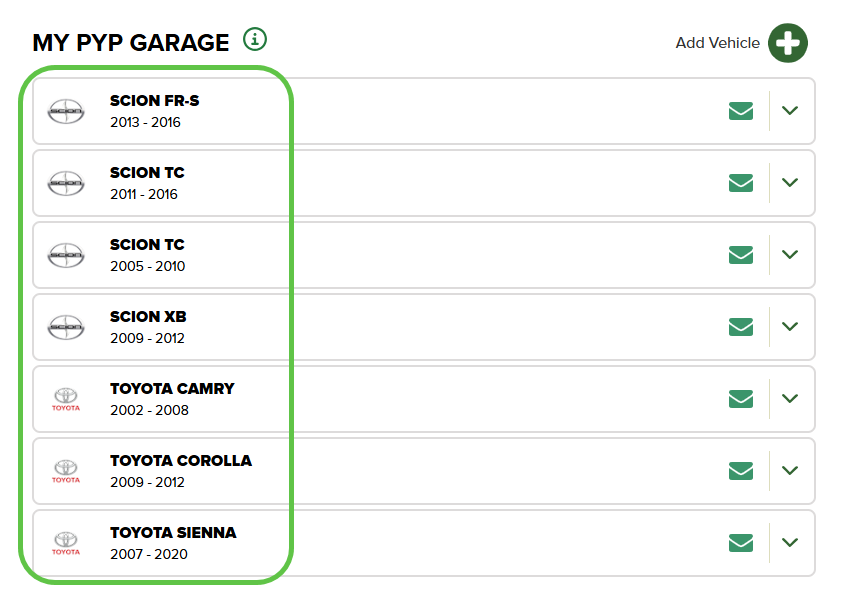
- Sign up for your local LKQ junkyard – Pick Your Parts @ PYP.com
- Configure your search car/model/year
- You’ll get an email every time that car enters the junkyard
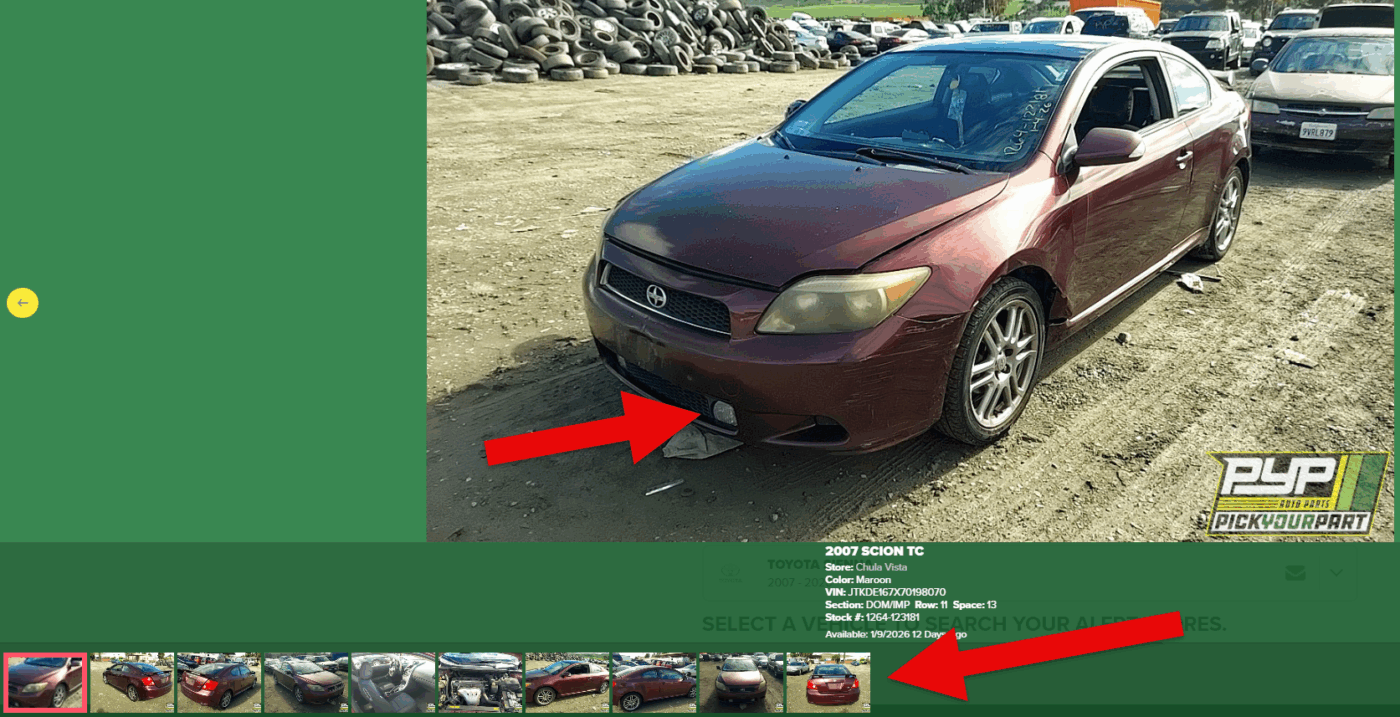
- When you get an email, click the link and visit the car’s profile
- You’ll usually see up to 10 photos of the inventory, zoom in to the photos to see if they have what you’re looking for.
- Go the junkyard as fast as you can!