
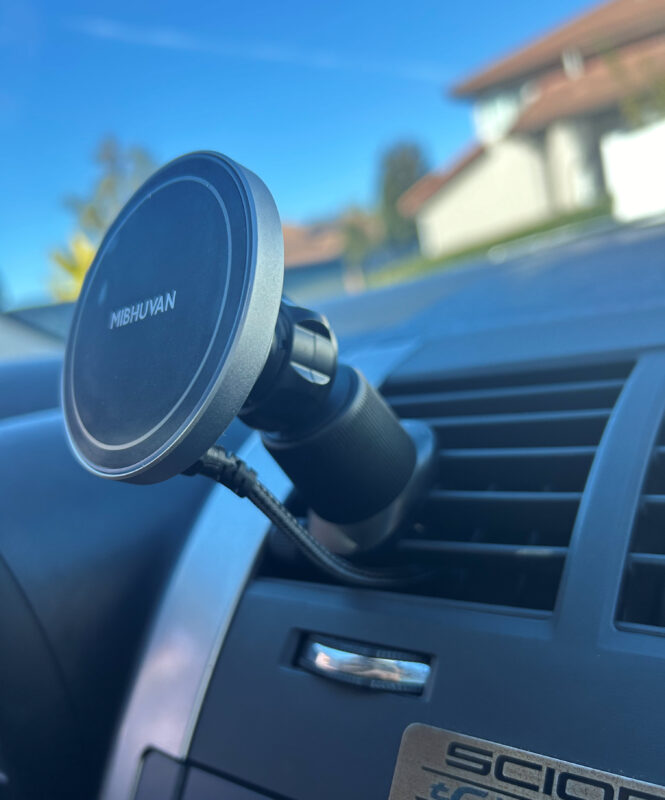
In this article I talk about my custom magnetic cel phone mount that fast charges and is hard wired to my 2006 Scion tC. I’ve tried all the gadgets, I ended up piecing together my own charging mount and setup.
Problems with other designs:
-
Clip on vent mounts that break
-
Clamp style phone holders that are clunky and slow to mount your phone
-
Having to unplug phone (front cable) every time – irritating!
-
Slow charging unit included w/ the charger
-
Not hardwired (have to use the cigarette lighter)
-
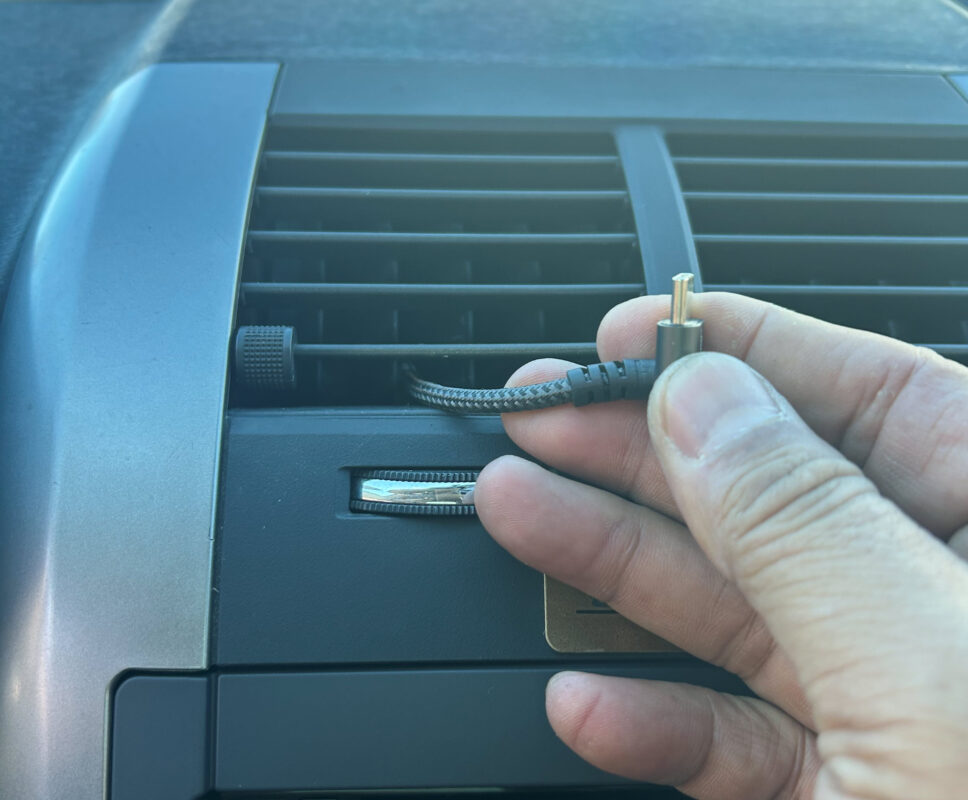
Wires hanging all over the place
Features of my custom setup
-
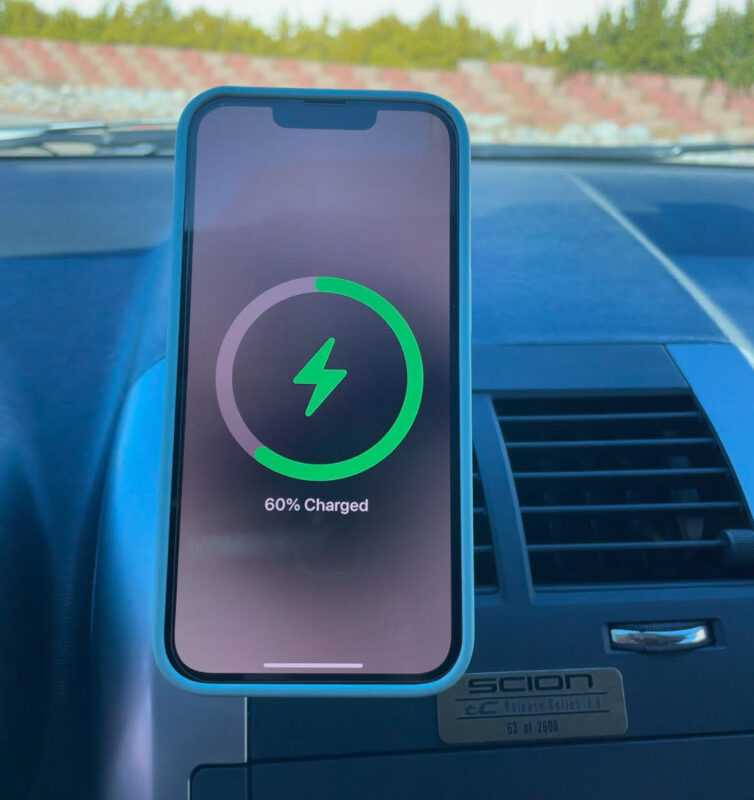
Rotates, or simply place your phone in the desired orientation to begin with
-
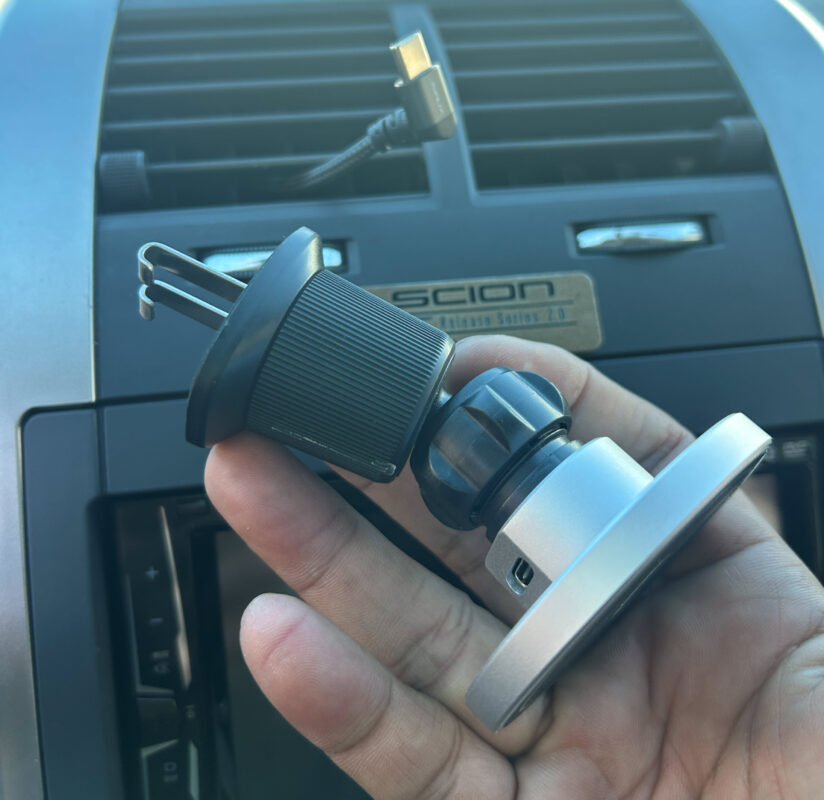
Metal construction at vent clamp
-
Fast charging & hardwired to car (no messy external wires)
Here are links to all the pieces of my setup
-
10amp fuse (same rating as fuse for stock cigarette lighter)
Use a 2nd cigarette lighter socket and hide it
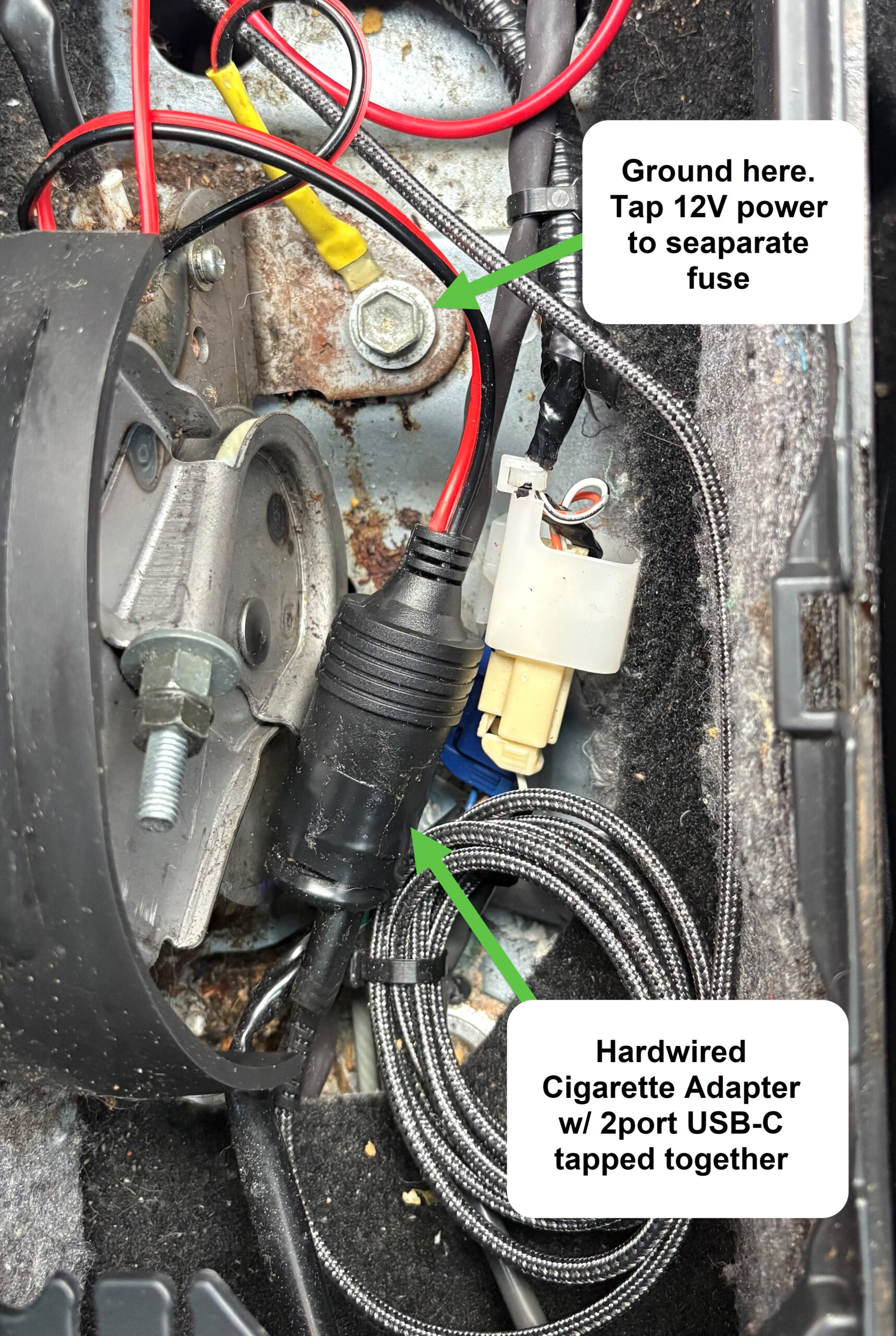
I use a 2nd cigarette lighter socket to 2-port USB adapter for charging, but I hardwire it, then hide it inside the center console. No magic here.
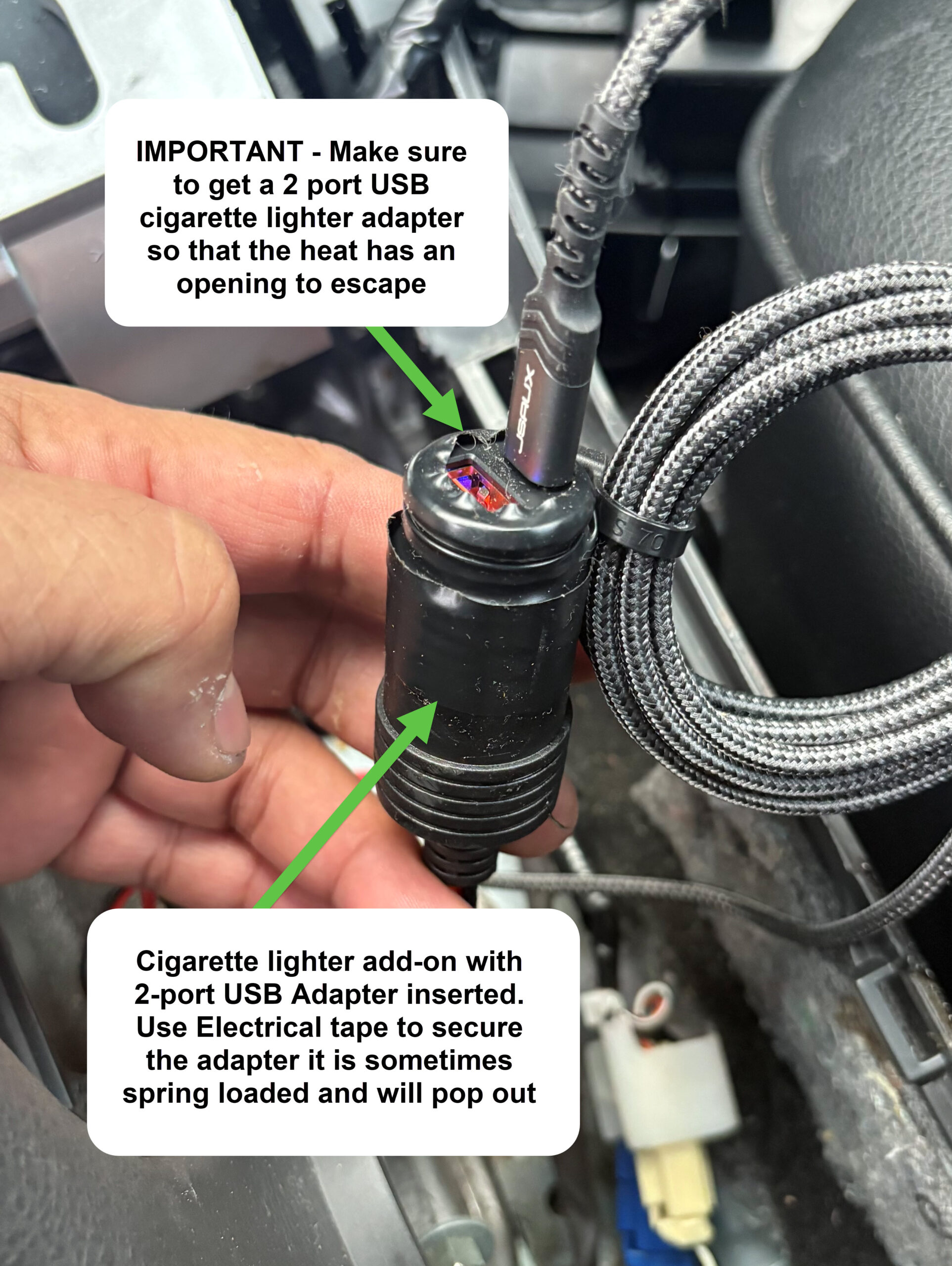
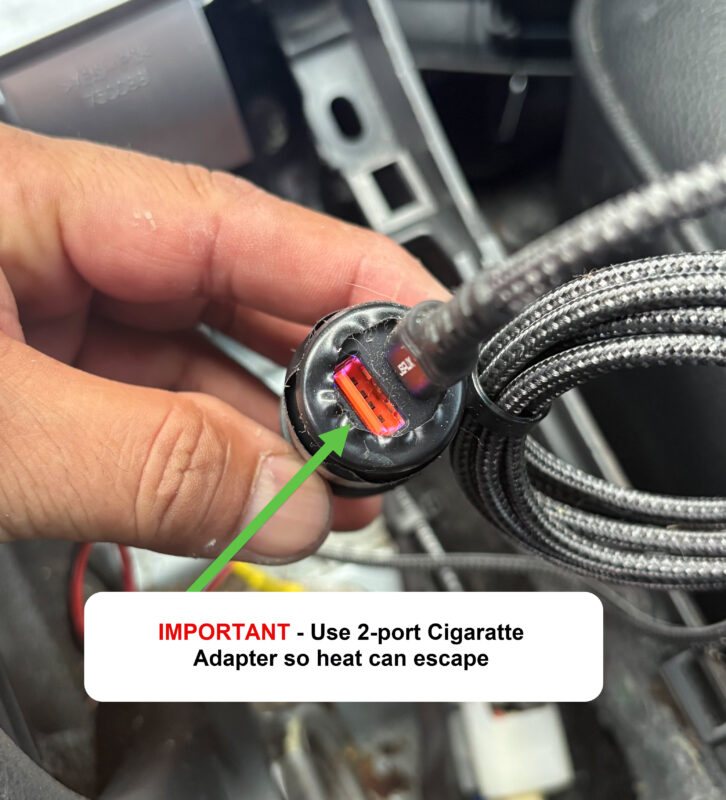
IMPORTANT – make sure to get a 2-port adapter so heat can esacpe from the socket. Tape the socket and USB adapter in place becase they might be spring loaded and pop out.
Additionally, you want the cigarette lighter charger to be able to support more than the charger base itself. In my example my cigarette charger adapter is 54w and the base mount itself is 15w.
Installation instructions
These instructions are for a 1st gen 2005-2010 Scion TC. Your installation may differ.
2. Remove your shift bezel and center console around the e-brake/cup holder area
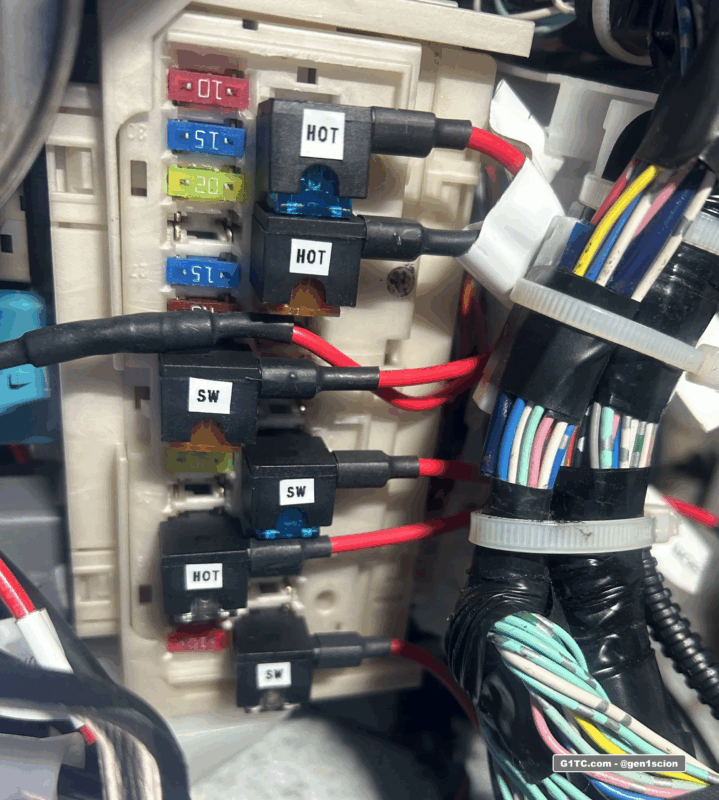
3. Use a fuse tap at the fuse box next to the driver kick panel, run the power to the cigarette plug
4. Ground the cigarette plug to nearby frame
5. Install the USB to cigarette lighter charger, mine was not a locking fit, so I used electrical tape to tape it into place.
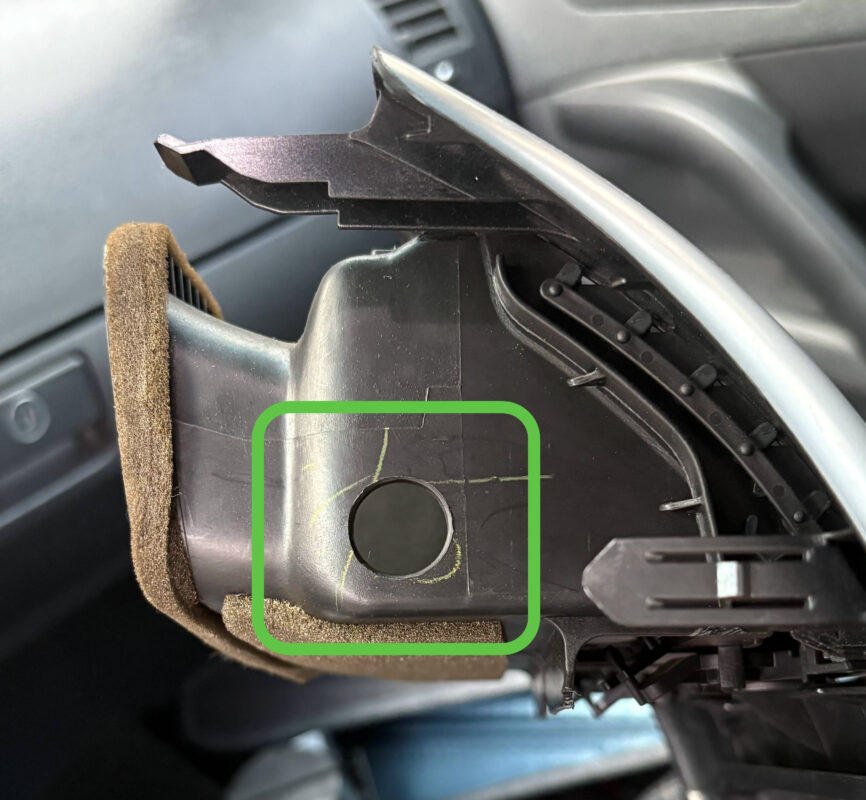
6. Run the USB cable from the new adapter behind the radio and up into the vent
7. Reinstall the radio bezel, and setup the phone mount.
Links to soldering tools and accessories
-
Adjustable heat soldering tool kit complete with extra tips, solder, flux, etc. You can use this for the DIY Cluster LED swap too, very handy to have
-
Butt connectors that melt solder to the connections, I really like these
-
Heat gun with melting shield, great for melting the butt connectors above. You can get in tight spots without heating up neighboring parts
-
Tube shrink wrap, I use this stuff all the time to cover up raw wire soldering and to water proof butt connectors
-
Mini fuse taps, these come in handy if you want to piggy back off existing HOT or switched AC power from the fuse box near the driver kick panel
